Every receipt read, filed and matched, from wherever it arrives
Open the capture page on your phone, point it at a receipt, and the vendor, date, total and GST are read for you. Email a supplier invoice, or point the office scanner at your private address, and it lands the same way: matched against your statements.
Full product, no feature tiers. Every new account is approved personally.
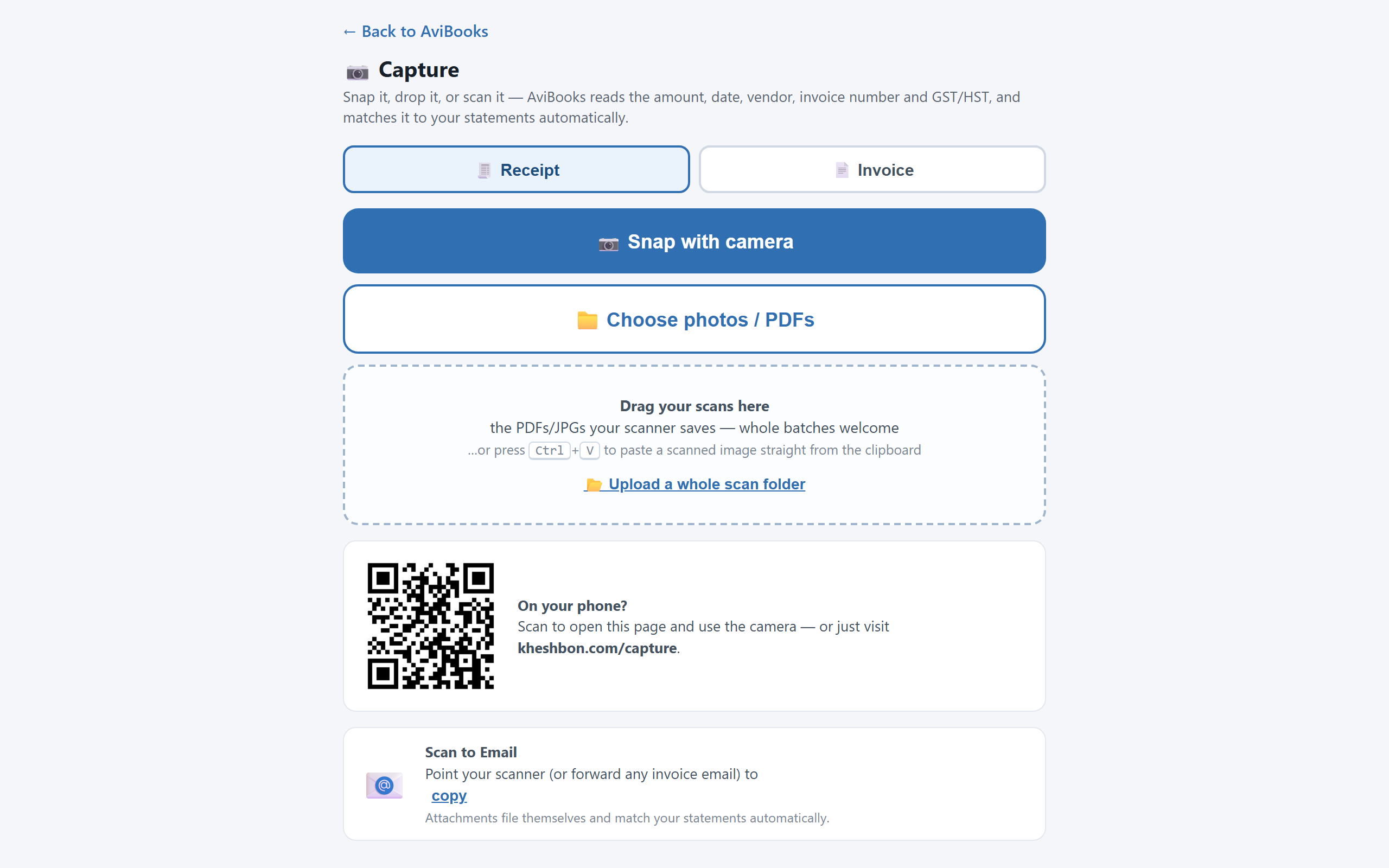
Your phone is the scanner
Nothing to install. Open kheshbon.com on any phone, sign in, and the capture page uses the camera, the photo library or the clipboard. Whole folders can be dropped in from a desktop. Every arrival is read by the document engine, filed in the library, and offered as a match against your bank lines. On a desktop, a QR code opens the capture page on your phone with one scan.
- Camera, photo library, clipboard, or whole folders at once
- Receipts, supplier invoices and even bank statements, which route themselves into the right month
- A read-accuracy chip on each document: green, amber or red
Scan to email: a private address for your books
Every workspace has its own intake email address. Set the office scanner to send there, or forward supplier emails from your inbox, and the attachments arrive read, classified and queued for matching. Only registered, active users of the workspace can send to it; mail from anyone else is refused.
Mail flow: what became of each email
The dashboard's Mail flow card lists everything that arrived by email: who sent it, the subject, and what was read off it. Two honest pills per document: Matched means it proves a bank line, Reconciled means that line's month is closed. Unmatched arrivals appear automatically in the account's suggestions.
Deleted items move to a Deleted tab and can be restored at any time. Nothing is ever destroyed. A document filed under the wrong kind can be reclassified inline as an invoice, a receipt or a bank statement.
Receipts that draft your GST/HST return
The GST read off each receipt becomes an input tax credit. Come filing time, the return draft is waiting, with sales, tax collected and credits from the paper itself. A matched receipt is stamped Reconciled, with the matching amount and date highlighted, in the viewer, the download and the Excel export.
Questions about capture
Do I need to install an app?
No. The capture page is part of the website and works in the phone's browser. On a desktop, a QR code opens it on your phone with one scan.
What if the engine reads a receipt wrong?
Each document shows a read-accuracy chip. A low-confidence read is flagged, the document can be re-read, and you can always link it to the right line by hand.
Can someone else email receipts to my books?
Only registered, active users of your workspace. Mail from any other sender is refused.
Run three real month-ends on us.
The full product for 90 days. Import your existing books and see for yourself.